What a camera bar is
A video conferencing camera bar (also called a video bar) combines a wide-angle camera, a microphone array and speakers in one slim unit mounted at the display. Instead of a separate webcam, ceiling mics and speakers, one device handles the whole room. Most models auto-frame the people in the room and follow whoever is speaking.
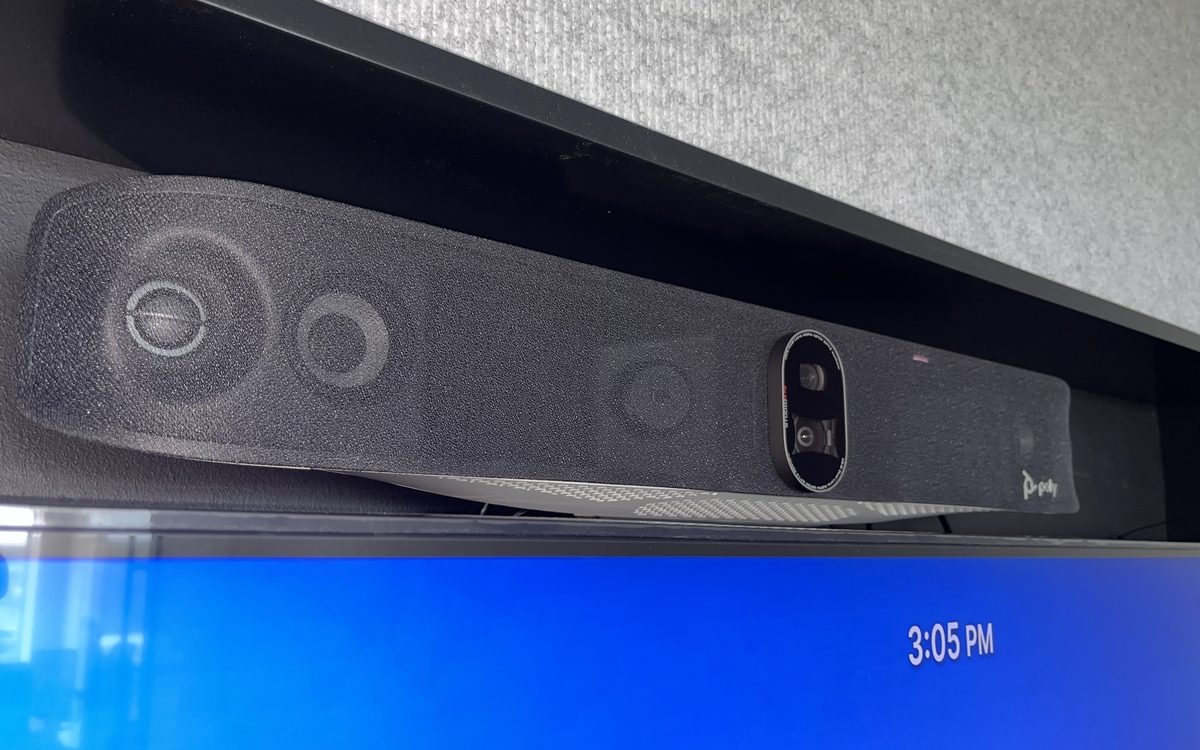
The bar in the photo above is a Poly video bar we mounted above a conference room display. Poly bars work with Zoom, Microsoft Teams and Google Meet, either over USB or as a standalone room system.
Two ways they connect
USB camera bars
The bar plugs into a laptop or room PC by USB, and the meeting runs in whatever app is on that computer: Zoom, Teams, Google Meet or Webex. Simple and flexible, good for huddle rooms and shared spaces.
Standalone (appliance) bars
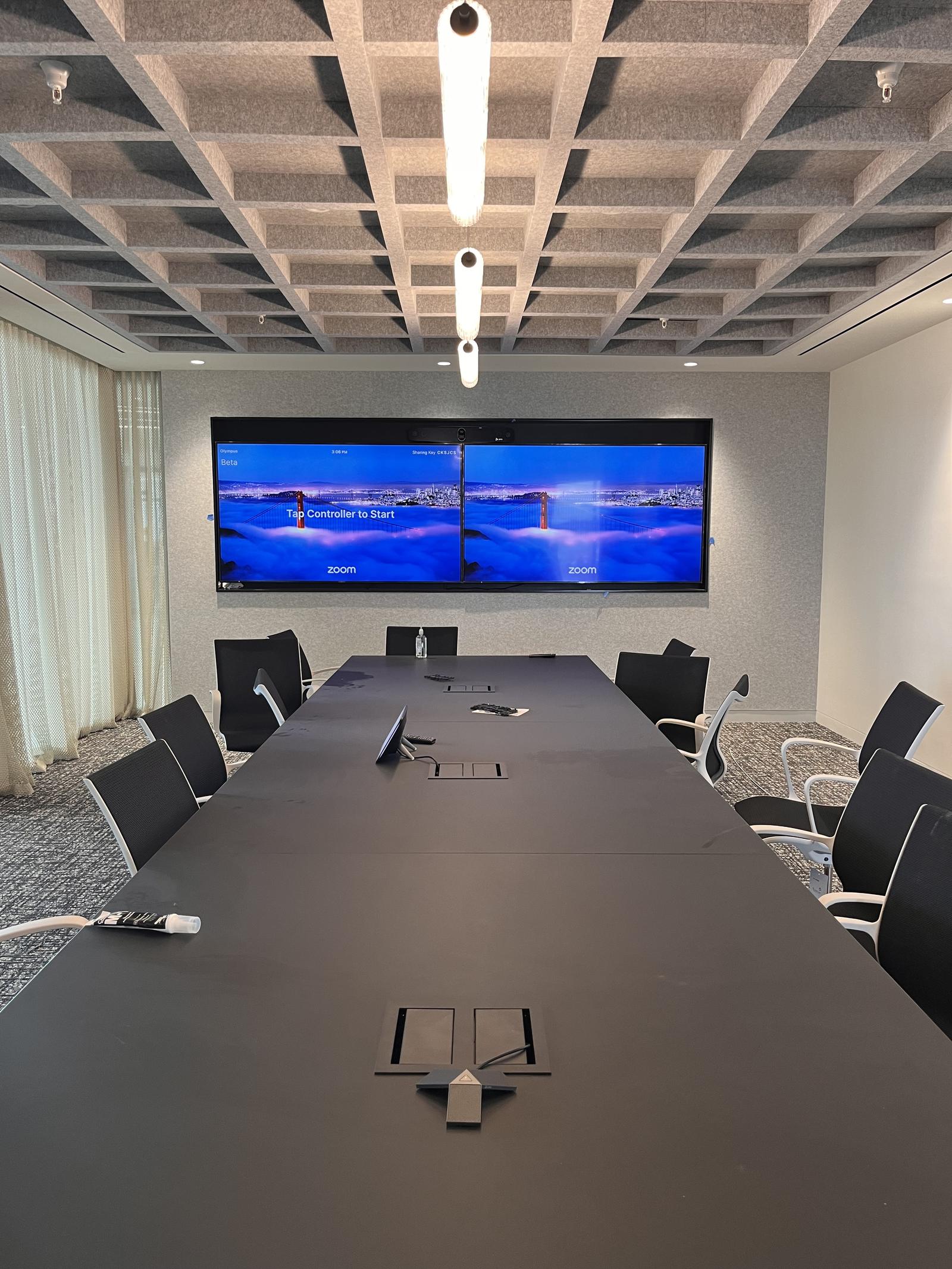
The bar runs Zoom Rooms or Microsoft Teams Rooms itself, with a touch controller on the table. People walk in and press Join; no laptop needed. This is the better choice for rooms used all day.
Matching the bar to the room
- Huddle rooms (2–6 people): one camera bar covers the camera, mics and audio.
- Medium rooms (6–12 people): a larger bar, often with an extra table mic so people at the far end are heard clearly.
- Boardrooms (12+): a bar for camera and speakers paired with ceiling or table microphones, or a dedicated camera with a separate audio system.
Mounting it right
Mount the bar centered on the display, directly above or below the screen, so people look toward the camera when they look at the screen. Above the display is most common for wall-mounted TVs; below works when the screen is mounted high. We use the manufacturer's display bracket so the bar sits level and tight to the TV, with no cable showing.
Wiring and network
- USB length: standard USB is short. For a table connection we use active USB extension or USB over Cat6 so the link stays stable.
- Network: standalone bars need a wired Ethernet drop for reliable video, and some are powered over PoE.
- Display: HDMI from the bar or room PC to the display, with the cable run inside the wall.
- Table connection: a cable cubby or wall plate for the laptop so people aren't reaching behind the TV.
Common mistakes we fix
Camera mounted off to the side, so everyone appears in profile. Bars hidden behind a TV lip that blocks the mics. Rooms with bare walls and glass that echo, which no microphone can fully fix without some acoustic treatment. And Wi-Fi-only connections that freeze video mid-meeting.
What it costs
We install conference room AV across Northern Virginia, DC and Maryland, from single huddle rooms to full boardrooms. Conference room projects run $1,200 – $7,500+ per room depending on room size, displays, camera and audio. See our commercial AV installation services for a free on-site walkthrough.